


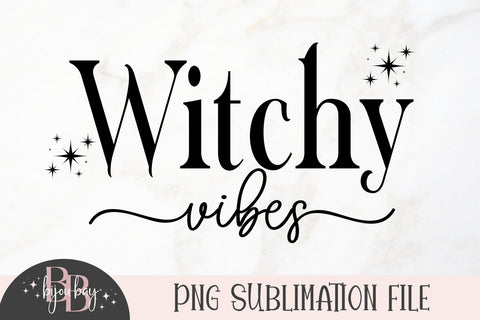
Witchy Vibes PNG
Purchase includes:
- Zip file containing: PNG, EPS file types
- color design only, no black and white
- Compatible with Silhouette Studio, Cricut Design Space, Scan N Cut, Adobe Illustrator and other cutting and design programs
- So Fontsy Standard Commercial Use License
Product Description
This "Witchy Vibes" PNG design file for sublimation or printing will look great on whatever project you use it on!
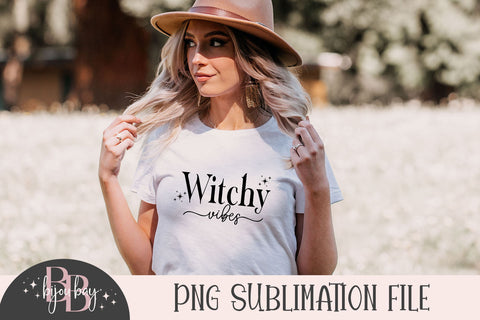
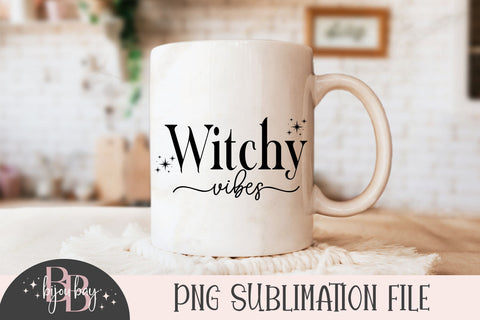
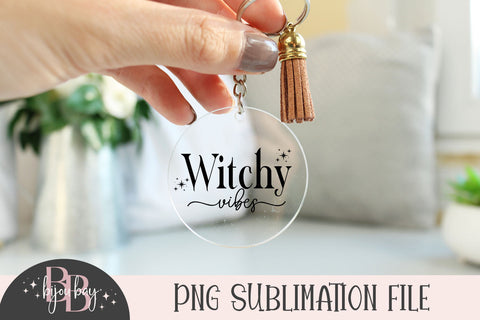
This listing can be used to create t-shirts, mugs, tote bags, hats, etc, you are only limited by your imagination. The design file can also be overlaid on another background or pattern to create a totally new design.
❤PNG File
❤ 300 DPI
❤ Not editable
❤ Use this file to create endless end products such as t-shirts, bags, mugs, etc
The file is 12 inches and is designed for both large and small projects in mind.
This is a PNG FILE FOR DIRECT PRINT ONLY. No cutting files are included.
This file cannot be used with Cricut or Silhouette cutting machines unless you are using print then cut with printable vinyl).
Please familiarise yourself with your software so that you can determine which file type will work for your project.
Please note colors shown may slightly vary due to computer screen differences.
- All Digital Product SKUs (w/o Bundles, GC, Software, Transfers) ,
- All SKUs ,
- All SKUS without Software, Physical & Gift Cards ,
- Auto Published to GMC ,
- BijouBay ,
- Full Color Digital Designs ,
- Halloween SVG Files and Fonts ,
- Holiday Designs and Fonts ,
- Metafield Flow Completed ,
- Mystical Collection ,
- Products with Digital Product Type Metafield set ,
- Tagged with Metafield Flow ,
- Witch SVG Design

Commercial Use

Cut-Friendly

Lifetime Download
- All Digital Product SKUs (w/o Bundles, GC, Software, Transfers),
- All SKUs,
- All SKUS without Software, Physical & Gift Cards,
- Auto Published to GMC,
- BijouBay,
- Full Color Digital Designs,
- Halloween SVG Files and Fonts,
- Holiday Designs and Fonts,
- Metafield Flow Completed,
- Mystical Collection,
- Products with Digital Product Type Metafield set,
- Tagged with Metafield Flow,
- Witch SVG Design


