


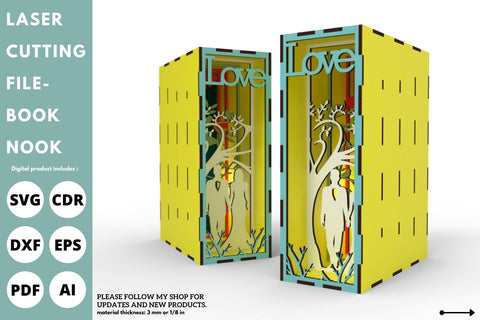
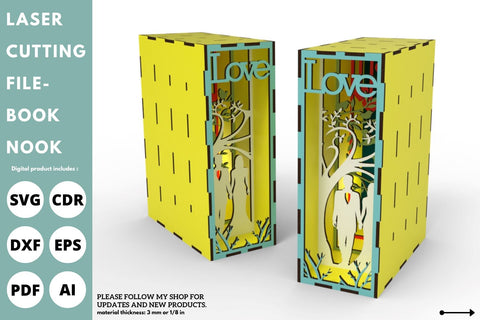
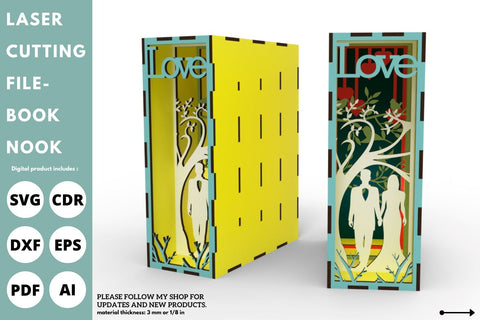
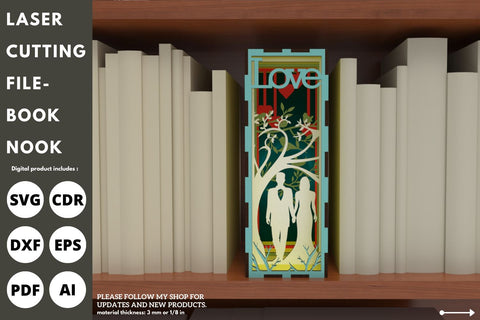
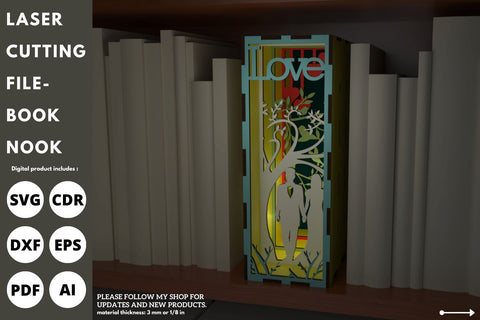
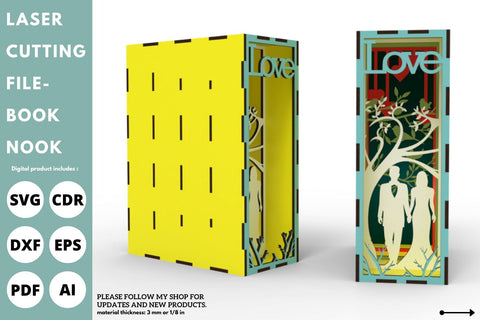
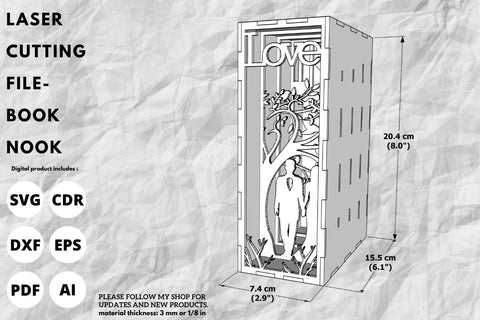
Book Nook, Wedding, SVG, laser cut, Glowforge, shadow box
"Book Nook is used for the laser cutting machine. "
Thank you for visiting our store.
Please follow my shop for updates and new products.
It is a laser-cutting vector model.
Digital product includes AI, CDR, DFX, JPG, EPS, PDF, PNG, and SVG files.
It is useful for a Material thickness of 3mm or 1/8 inch such as wood and acrylic.
Product Description
" Book Nook is used for the laser cutting machine. "
Thank you for visiting our store.
Please follow my shop for updates and new products.
It is a laser-cutting vector model.
Digital product includes AI, CDR, DFX, JPG, EPS, PDF, PNG, and SVG files.
It is useful for a Material thickness of 3mm or 1/8 inch such as wood and acrylic.
Categories:
- All Digital Product SKUs (w/o Bundles, GC, Software, Transfers) ,
- All SKUs ,
- All SKUS without Software, Physical & Gift Cards ,
- All SVG Collection ,
- Currently on GMC - Tagged ,
- Cut Files ,
- Metafield Flow Completed ,
- Shadow Box Paper Templates and Cut Files ,
- Special Occasion Designs for Silhouette ,
- SVG Cutting Files ,
- SVG Files ,
- Tagged with Metafield Flow ,
- tofigh4lang ,
- Wedding

Commercial Use

Cut-Friendly

Lifetime Download
Categories:
- All Digital Product SKUs (w/o Bundles, GC, Software, Transfers),
- All SKUs,
- All SKUS without Software, Physical & Gift Cards,
- All SVG Collection,
- Currently on GMC - Tagged,
- Cut Files,
- Metafield Flow Completed,
- Shadow Box Paper Templates and Cut Files,
- Special Occasion Designs for Silhouette,
- SVG Cutting Files,
- SVG Files,
- Tagged with Metafield Flow,
- tofigh4lang,
- Wedding


