


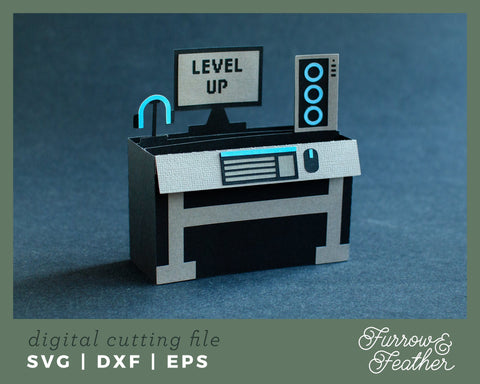
3D Gamer Computer Box Card
Purchase includes:
- Zip file containing: SVG, DXF & EPS file types
- Compatible with Silhouette Studio, Cricut Design Space, Scan N Cut, Adobe Illustrator and other cutting and design programs
- So Fontsy Standard Commercial Use License
Also Available for this Product
Product Description
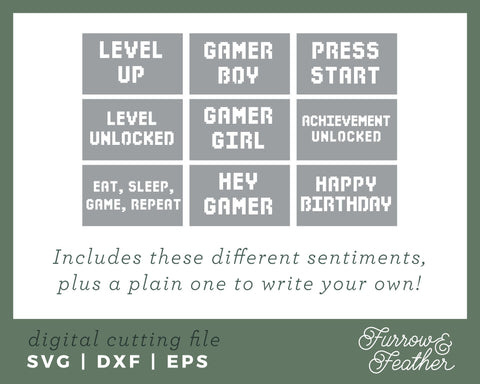
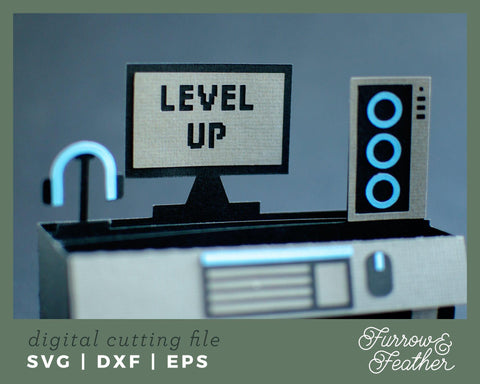
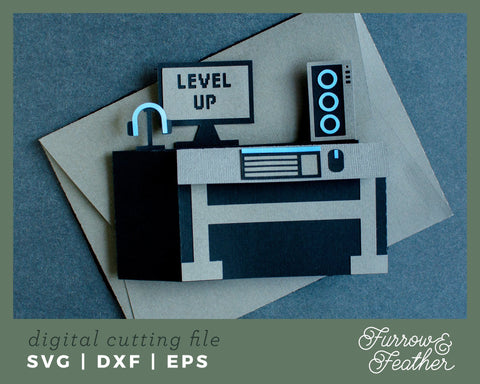
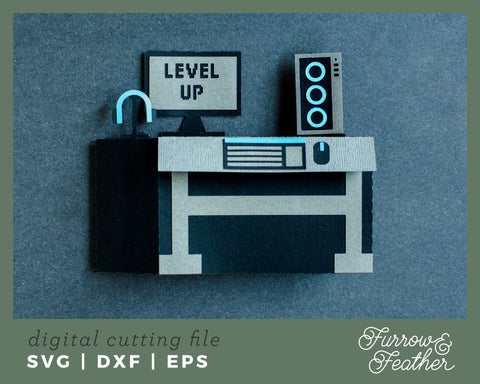
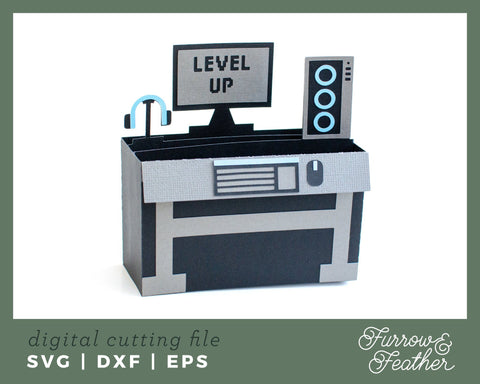
A great card for the gamer in your life! Change the color of the details for a personalized gift. Includes nine different sentiments to further customize this card! Includes a back piece so you can write a quick note. Folds flat to fit in the included 5x7” envelope cut file.
-------------------------------------------------------------------
✦ IMPORTANT INFO:
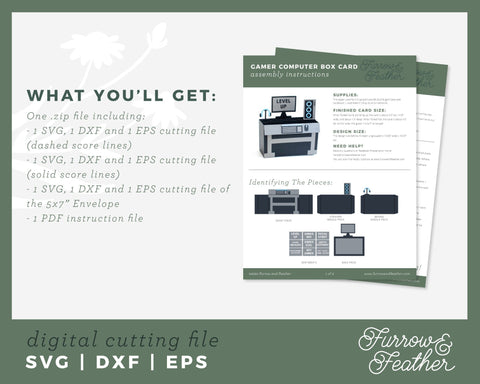
This listing contains the following files in one .zip folder:
- 1 SVG, 1 DXF and 1 EPS cutting file of the Gamer Computer Box Card (dashed score lines)
- 1 SVG, 1 DXF and 1 EPS cutting file of the Gamer Computer Box Card (solid score lines)
- 1 SVG, 1 DXF and 1 EPS cutting file of the 5x7” Envelope
- 1 PDF instruction file
- This product does not include a PNG or PDF file, due to score lines being required for assembly
- You will need to unzip or extract the folder in order to use the files. Cricut Design Space users will need to Ungroup the project & attach the score lines to their respective pieces.
-------------------------------------------------------------------
✦ FINISHED SIZE & SPECS:
When folded out & standing up, the card is about 4.5” tall, 4.25” wide, and about 1.5” deep. When folded flat, the card is about 4.5” tall and 6” wide. I used 85lb textured cardstock. Keep in mind this cut file has small pieces, this cuts out best with a sharp blade!
The design size before it’s been ungrouped is 13.65” wide x 10.37” tall.
-------------------------------------------------------------------
✦ Tested with a Silhouette CAMEO
If you have any questions, please contact me!
- $4-5 Products ,
- 3D Designs ,
- 3D SVG Designs ,
- All Digital Product SKUs (w/o Bundles, GC, Software, Transfers) ,
- All SKUs ,
- All SKUS without Software, Physical & Gift Cards ,
- Birthday SVG Designs ,
- Embroidery over $2.99 ,
- Furrow and Feather SVG ,
- Metafield Flow Completed ,
- Paper Die Cuts ,
- Tagged with Metafield Flow

Commercial Use

Cut-Friendly

Lifetime Download
- $4-5 Products,
- 3D Designs,
- 3D SVG Designs,
- All Digital Product SKUs (w/o Bundles, GC, Software, Transfers),
- All SKUs,
- All SKUS without Software, Physical & Gift Cards,
- Birthday SVG Designs,
- Embroidery over $2.99,
- Furrow and Feather SVG,
- Metafield Flow Completed,
- Paper Die Cuts,
- Tagged with Metafield Flow


