


FACE MASK SVG| PNG | DXF | EPS COLLECTION 51 DESIGNS
Purchase includes:
- Zip file containing: SVG, PNG, DXF and EPS file types
- Compatible with Silhouette Studio, Cricut Design Space, Scan N Cut, Adobe Illustrator and other cutting and design programs
- So Fontsy Standard Commercial Use License
Also Available for this Product
Product Description
Product Description
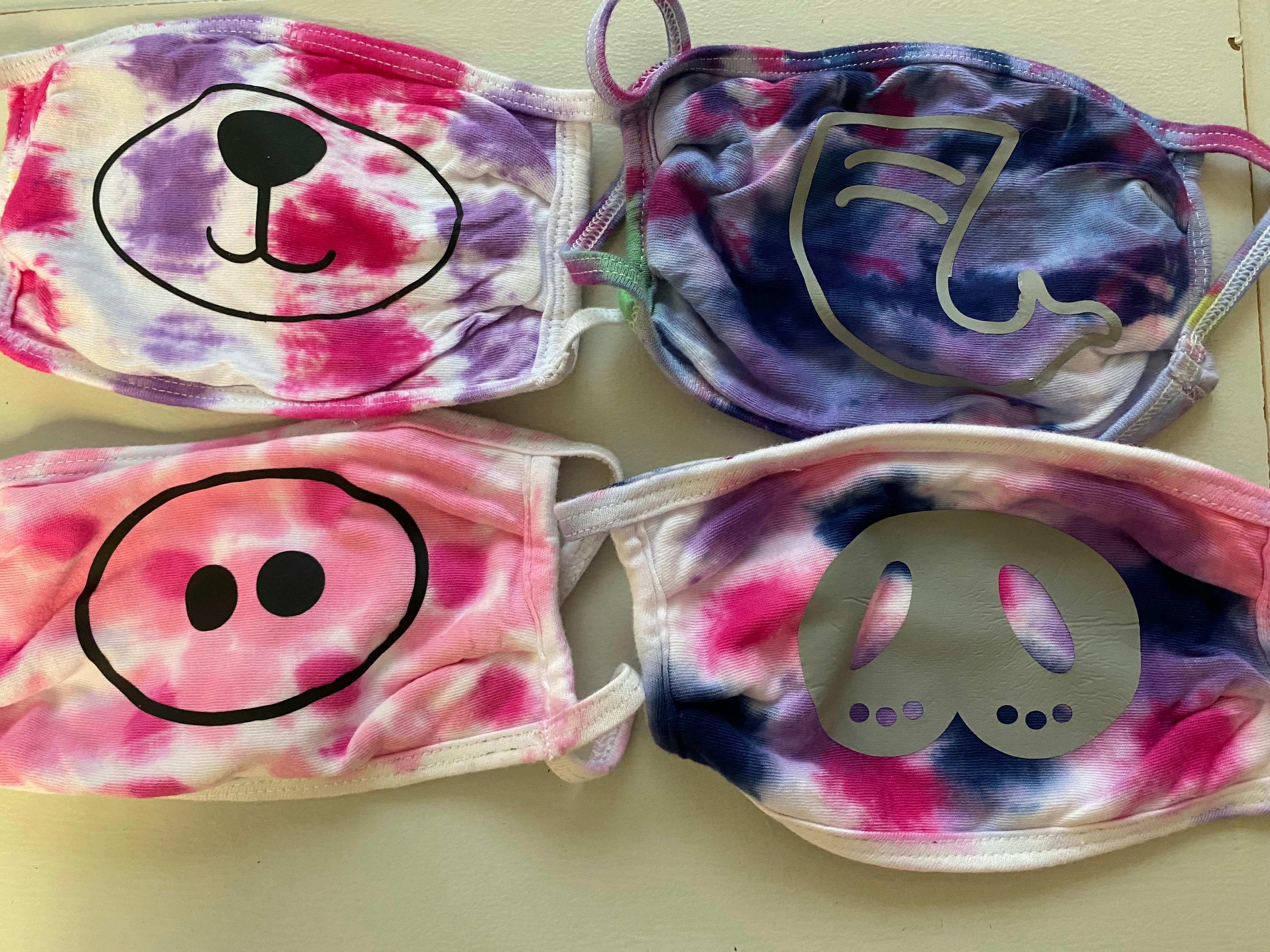
Design your face mask to make it look funny, unique. This is an illustration of an animal smile for a face mask design, clothing, Mug, and many more
make a mask for your child, for your family, so that your loved ones are always protected
Formats include: SVG | PNG | DXF | EPS
Please note that this is a digital product and no physical product will be delivered.
Categories:
- All Digital Product SKUs (w/o Bundles, GC, Software, Transfers) ,
- All SKUs ,
- All SKUS without Software, Physical & Gift Cards ,
- All SVG Collection ,
- Auto Published to GMC ,
- Cut Files ,
- Face Masks ,
- Heat Transfer Vinyl ,
- Letterara ,
- Metafield Flow Completed ,
- Mini Bundles and Design Sets ,
- Products with Digital Product Type Metafield set ,
- Social Distancing ,
- SVG Cutting Files ,
- SVG Files ,
- Tagged with Metafield Flow

Commercial Use

Cut-Friendly

Lifetime Download
Categories:
- All Digital Product SKUs (w/o Bundles, GC, Software, Transfers),
- All SKUs,
- All SKUS without Software, Physical & Gift Cards,
- All SVG Collection,
- Auto Published to GMC,
- Cut Files,
- Face Masks,
- Heat Transfer Vinyl,
- Letterara,
- Metafield Flow Completed,
- Mini Bundles and Design Sets,
- Products with Digital Product Type Metafield set,
- Social Distancing,
- SVG Cutting Files,
- SVG Files,
- Tagged with Metafield Flow
Customer Reviews
Based on 2 reviews
100%
(2)
0%
(0)
0%
(0)
0%
(0)
0%
(0)
C
My niece and my daughter tie dyed masks and and then used HTV to create animal faces. They have given them to adults and kids, and everyone loves them.
D
My granddaughter loved her back to school masks!


